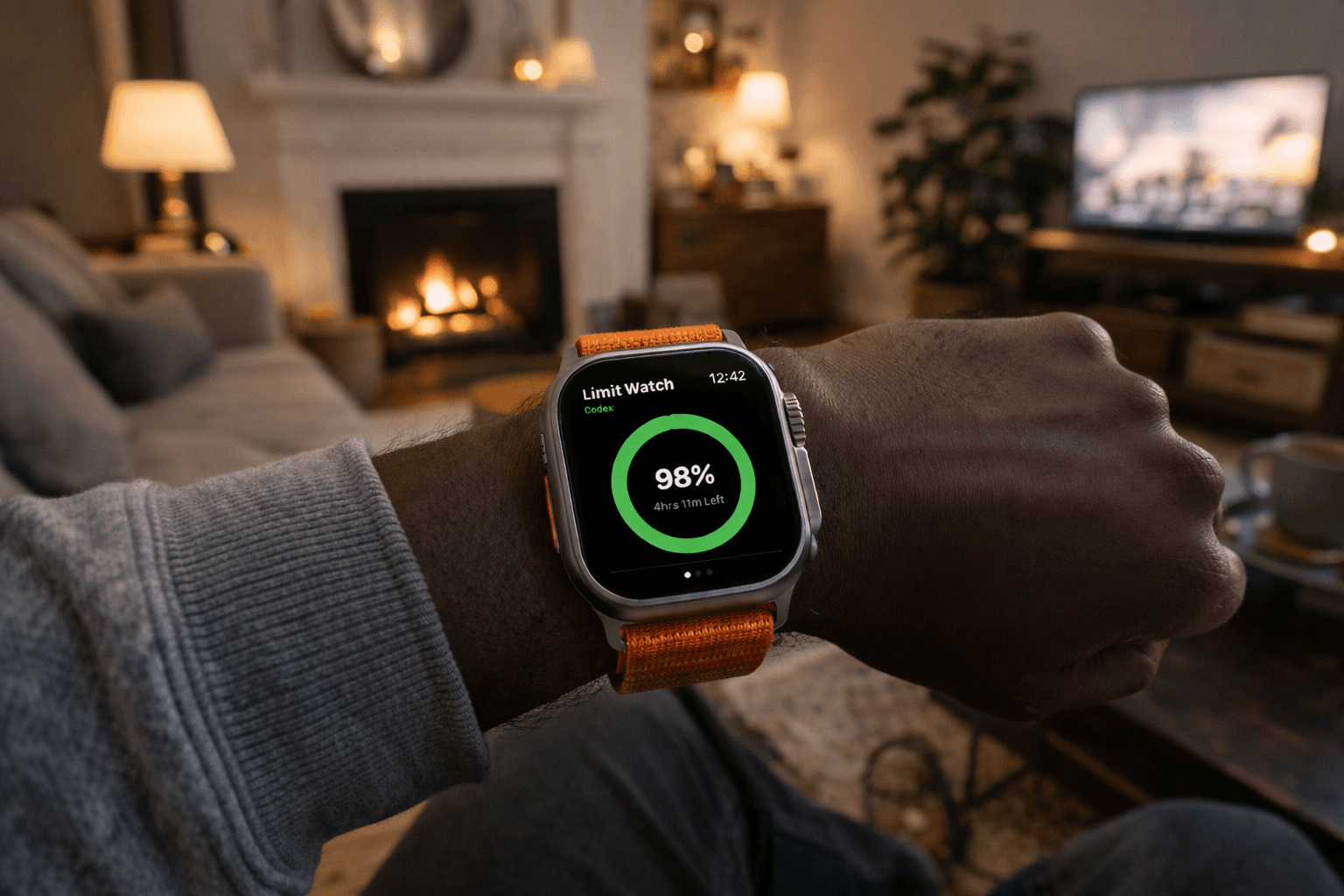
The Problem
Token limits are the silent killer of agent workflows. The more I leaned into agentic development, the more I started paying attention to my token usage. But checking it is kind of a hassle. I usually have to pull out my laptop just to see where I'm at in Codex or Claude Code. That works fine when I'm already at my desk, but if I'm away and just want a quick look at my limits, it's not exactly convenient.
The idea was simple: put my current usage on my Apple Watch so I could glance down and see where things stand without opening a terminal, a browser tab, or some dashboard buried three clicks deep.
The Core Idea
The watch app doesn't talk directly to Codex or Claude. It talks to a local helper server running on my Mac, and that server is where all the real work happens. It reads Codex session logs, calls Claude's usage endpoint, normalizes both providers into one response format, and keeps credentials off the watch entirely.
Simple way to think about it: the Mac server collects and translates, the watch app just displays.
That separation ended up being one of the best decisions in the whole project. It keeps the watch app lightweight, and I only have to manage provider credentials in one place.
How Codex Works in This Setup
Interestingly, OpenAI doesn't give you an endpoint to check Codex usage under a subscription plan. You can track usage from individual API calls, but not from within the subscription itself. So given that limitation, I just read the local session logs directly from ~/.codex/sessions. Those logs have token count events and, when available, rate limit info. The server walks through those files, pulls what it needs, and aggregates everything into totals: input tokens, cached input tokens, output tokens, reasoning tokens, and session count. It also grabs the latest rate-limit windows when they show up in the logs.
For Codex, the server is basically just turning raw session history into something the watch can actually use.
How Claude Works in This Setup
Instead of local logs, the server calls Anthropic's usage endpoint. It fetches the current usage data and shapes it into the same format the watch app expects.
That part mattered to me. I didn't want the watch app to care whether data came from local files or a remote API. I just wanted it to ask for Codex or Claude and render whatever came back. Once the server normalized both into the same structure, the UI got a lot simpler.
The Watch App
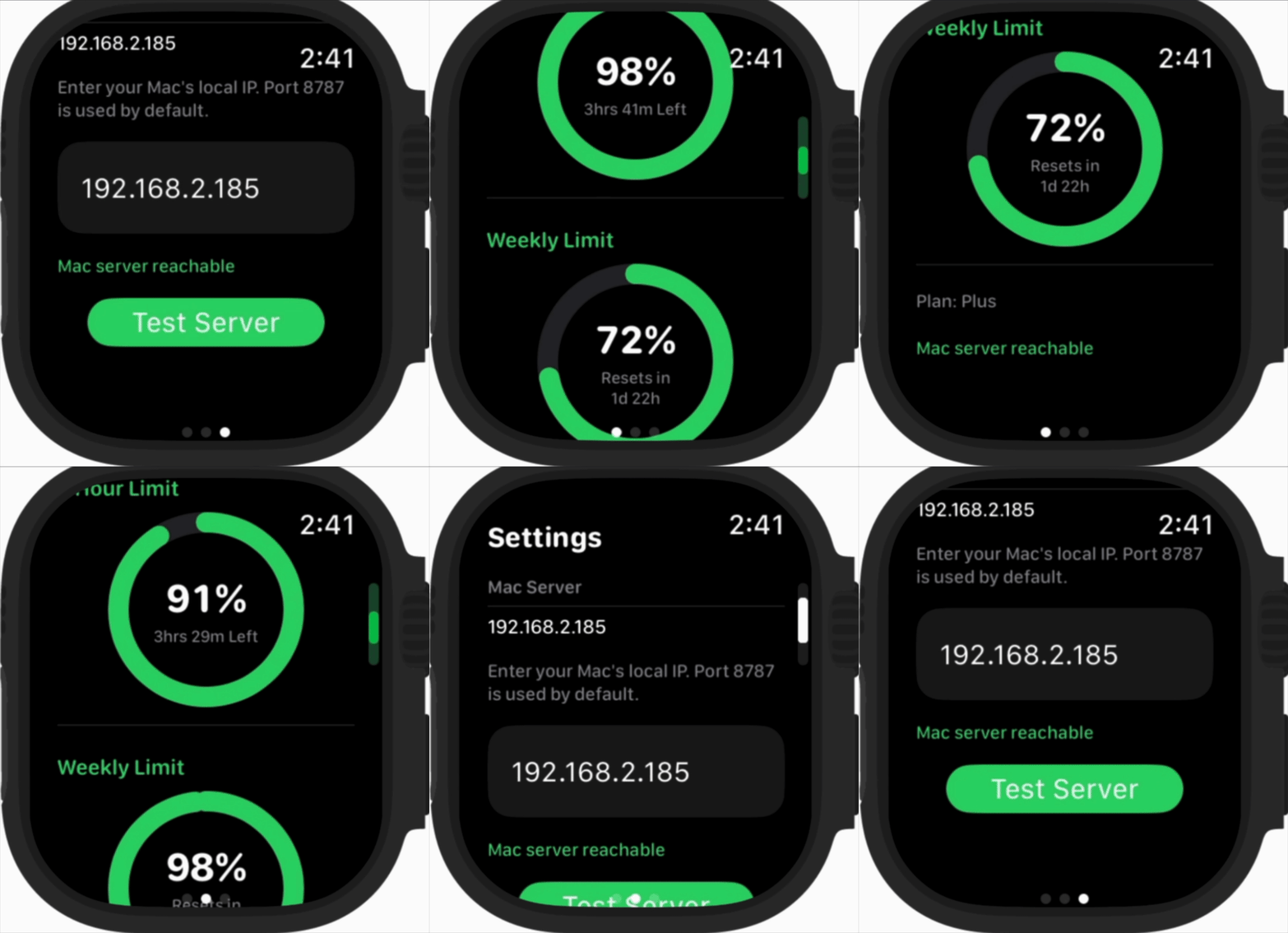
You enter your Mac's local IP once, and from there the app hits three endpoints: /health, /usage?provider=codex, and /usage?provider=claude. It shows the data in a watch-friendly format focused on current rate limits and usage state rather than dumping raw numbers everywhere.
The app opens into a Codex view, you swipe over to Claude, and there's a lightweight config screen to test the connection and update the Mac address. That flow feels pretty natural on the watch.
Final Thoughts
This is a small project, but I genuinely like it because it solves a specific problem I faced every day.
Now, whenever I want to send Openclaw a task, I no longer have to go out of my way to find my token usage. I just glance at my watch and I know exactly where my usage stands.
Checkout the project here